
How do I test an AI chatbot before turning it on in my store?
Test an AI chatbot by asking it the questions your customers send, in their own words, before the chat is visible on your store. Cover order status, product fit, shipping, returns and one question your store can't answer. Then ask for a person and confirm the conversation reaches your inbox with the history.
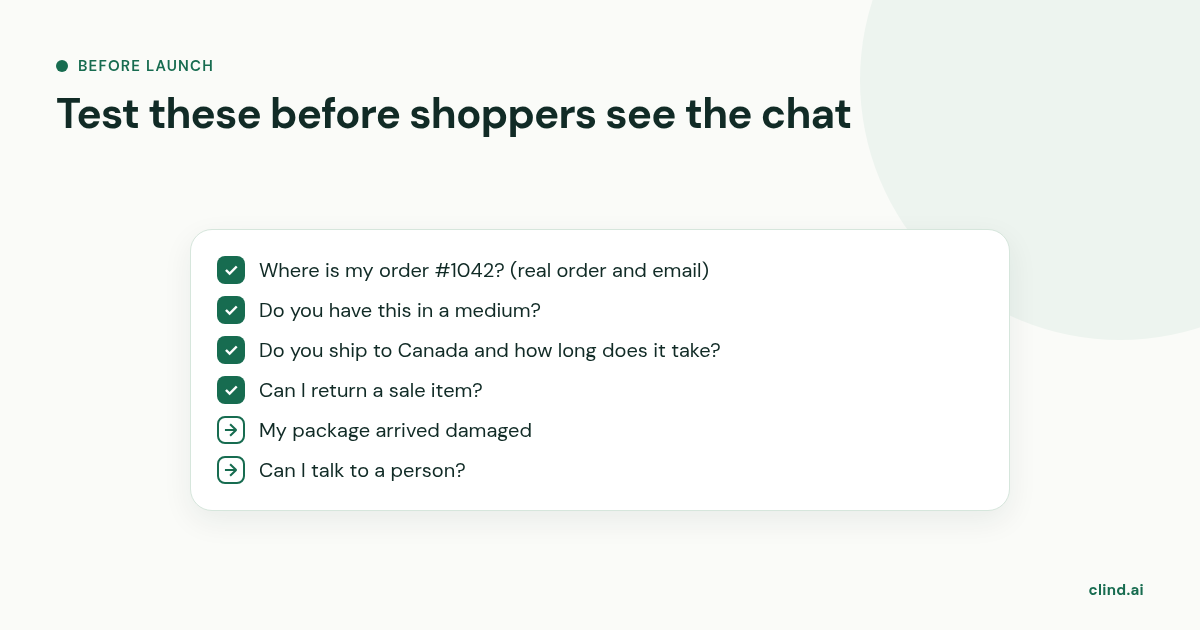
A starting test list for your store
Pull the questions from your inbox. If you don't have one yet, start here:
- "Where is my order #__?" with a real order number and email.
- "Do you have this in a medium?" for a product with variants.
- "Do you ship to Canada and how long does it take?"
- "Can I return something I bought on sale?"
- "My package arrived damaged." It should collect details and hand off, not promise a refund.
- A question your pages don't answer, like a product you don't sell.
- "Can I talk to a person?"
What you're checking
- Facts: prices, sizes and policies match your store.
- Tone: it sounds like your brand, not like a manual.
- Limits: it says "I'll check with the team" instead of guessing.
- Handoff: the chat lands in your inbox with the full conversation.
Fix what fails at the source. If the return answer is wrong, check the policy page and the assistant's interpretation. If the assistant doesn't know something, add a knowledge base entry. In Clind you do that in the dashboard at app.clind.ai (how the assistant learns your store).
Testing in Clind
Before the chat is on, ask anything in the test assistant inside the Clind app in Shopify admin. The Your assistant page lists what it answers and what it passes to your team. After you turn the chat on, Try in store opens it on your site so you can ask like a shopper.
After launch, admins can also connect Claude or ChatGPT to their Clind account to review conversations and tune the assistant's knowledge and instructions. They don't answer customers. Next step: add the chatbot to your Shopify store.
Frequently asked questions
Where do I find test questions?
Your own inbox. Copy the last few weeks of customer emails and chats, group them by topic, and use the real wording shoppers used.
What is a failed test?
An answer that invents a fact, promises something your policy doesn't allow, or keeps the shopper going in circles instead of handing off.
Can I test Clind before the chat is live?
Yes. Clind has a test assistant inside Shopify admin you can use before turning on the chat, and once it is on, a Try in store option opens the chat on your site.