
How do I add an AI chatbot to my Shopify store?
To add an AI chatbot to Shopify, install a support app from the Shopify App Store and let it read your products, pages and policies. Test its answers, then turn on its chat embed in the theme editor and save. Before launch, check that it answers order status and hands shoppers to you on request.
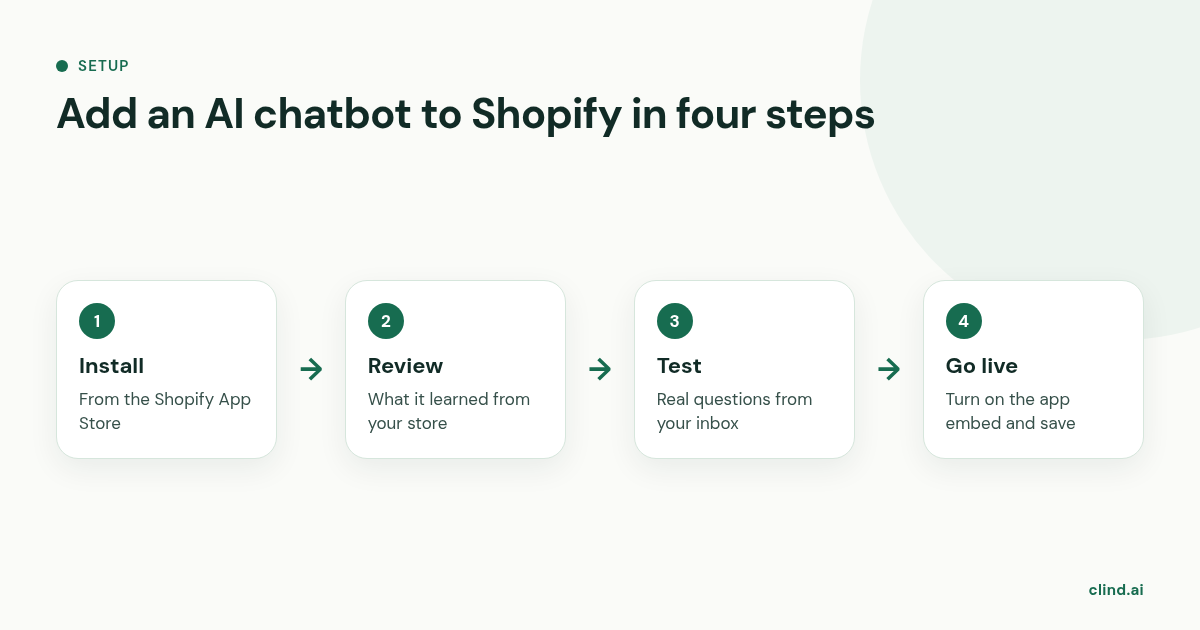
Steps
- Pick an app that can look up Shopify orders as well as read your FAQ. Order status is one of the most common support questions, so test it early.
- Install it from the Shopify App Store and approve the permissions it asks for.
- Review what it learned. Look for missing policies: returns, international shipping, sale items.
- Test it with real questions from your inbox. See how to test an AI chatbot before going live.
- Turn on the chat embed in Online Store > Themes > Edit theme > App embeds, then save.
- Open your store in a private window and send a message as a shopper.
Checks before you announce it
- Ask "where is my order" with a real order number and email.
- Ask for a person and confirm the chat reaches your inbox.
- Ask something your store doesn't cover and see whether it guesses or hands off.
- Look at it on a phone to check the mobile experience.
Setting it up with Clind
Install Clind from the Shopify App Store and approve its permissions, and it reads your products, pages and policies on its own. Inside the app in Shopify admin you can ask the test assistant anything before the chat is on. Then turn on the Clind embed in the theme editor and save, and use "Try in store" to ask the live chat a question as a shopper.
After that, connect the other places shoppers write to you: forward your support email, or build a store contact form in Clind and add it to your theme with the Clind Form block. WhatsApp Business is available with setup help from our team, via the Meta Cloud API or Twilio. External channel fees may apply. Everything arrives in one inbox at app.clind.ai and in the iOS and Android app. The trial covers 50 answered conversations or 30 days, whichever comes first.
Related: How does an AI chatbot learn my products and policies?
Frequently asked questions
Do I need to code to add an AI chatbot to Shopify?
No. Shopify chat apps add the widget through an app embed that you turn on in the theme editor. No theme code changes are needed for the standard setup.
How long does setup take?
The install itself takes a few minutes. Plan extra time to test answers and fill gaps in your policies before shoppers see the chat.
Can I add AI support to email and WhatsApp too?
Depends on the app. In Clind, you can forward your support email, and WhatsApp Business is available with setup help from our team, via the Meta Cloud API or Twilio, so those messages arrive in the same inbox. External channel fees may apply.